

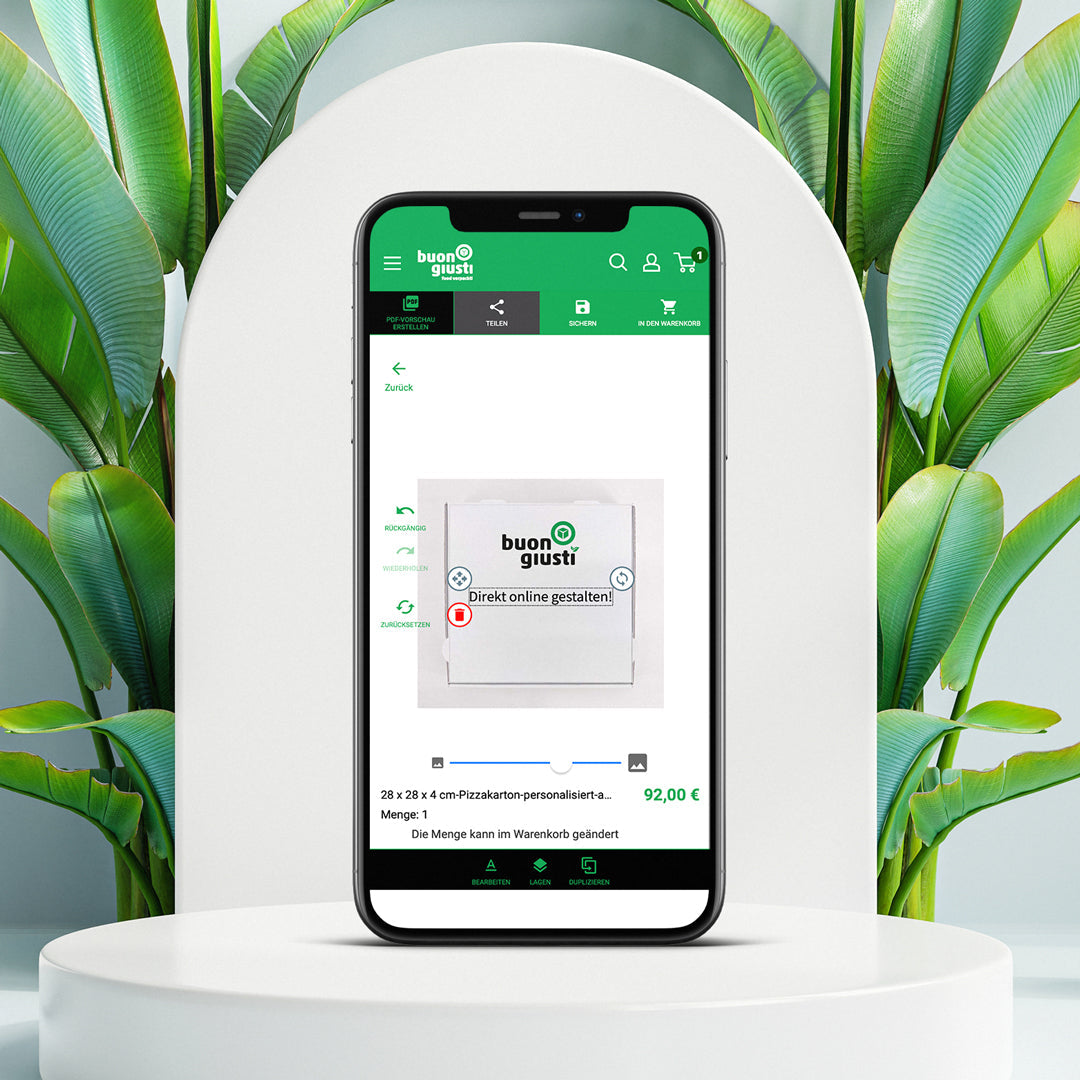
In the configurator, you design your packaging directly in the browser and immediately see how the result looks. You don’t need any graphic software or prior knowledge—just your logo as a file on your computer.
How the process works
First, you choose the product and size you need. Then you upload your logo and drag it to the desired position. You can resize it and try out how it looks in different positions. Usually, it takes two or three attempts to get it right—that’s normal.
The preview continuously shows you what you’ve created. When you’re satisfied, save the design by adding it to the shopping cart. Your design is then saved and submitted to us.
Two things you should know
The on-screen preview is a guide, not an exact color sample. Your monitor emits light, printed colors do not. On brown kraft cardboard, colors also appear warmer and more muted than on white because the background shows through. If you need to match a specific brand color exactly, tell us the color number—we will calibrate it for you.
And: There is no machine behind your order. Before anything goes into production, a person on our team reviews your file. If your logo is too blurry, too close to the edge, or would blend into the cardboard color, we will contact you before printing.
If you get stuck along the way
It happens, and it’s no reason to give up. You can write to us anytime about what you’re planning and send your logo along. We will create a draft for you and send it back. Many customers do exactly that—they try it themselves first and let us add the finishing touch.